#canon #sigma #fotodiox

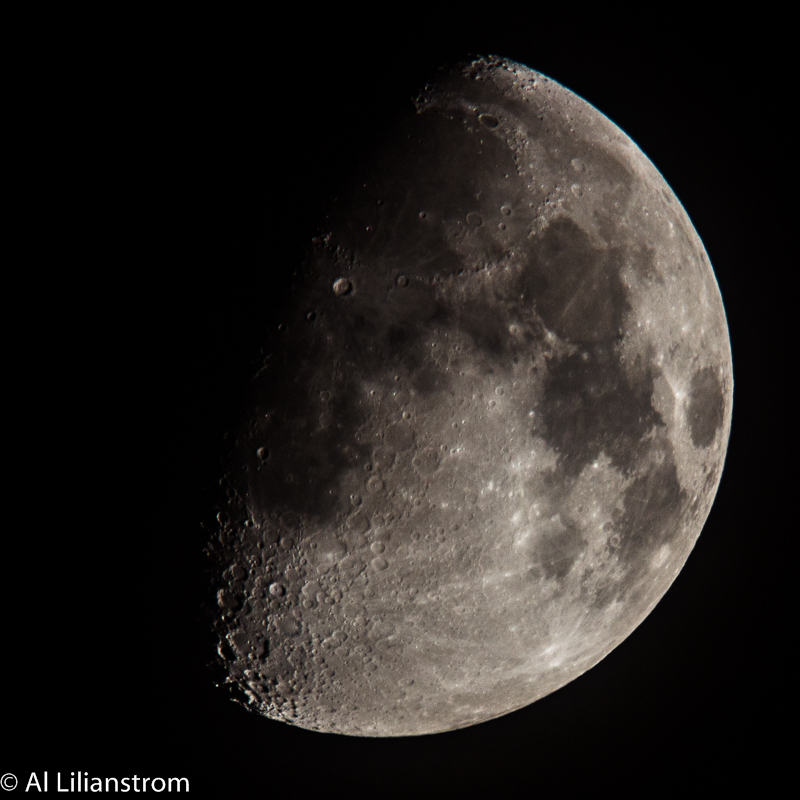
Waxing Crescent
27% Visible

(Because supporting the uptime command would be too easy...)
In the Command Prompt
C:\temp>net stats srv | find "since"
Statistics since 10/20/2016 10:02:37 AM
PowerShell v3
PS C:\temp> Get-CimInstance -ClassName win32_operatingsystem | select csname, lastbootuptime
csname lastbootuptime
------ --------------
DC1 10/20/2016 11:01:15 AM
It appears that PowerShell doesn't handle the time falling back...
So I created a uptime alias in Powershell. The following will do it in your current shell.
function get-uptime {Get-CimInstance -ClassName win32_operatingsystem | select csname, lastbootuptime}
new-alias uptime get-uptime
To make the alias sticky add these commands to the Microsoft.PowerShell_profile.ps1 file in your profile and enable script execution. Where your profile file is at and how to enable script execution are in the links below.
Useful links